
Editor and elements
The project tree is on the left, the screen in the middle, the inspector with Properties, Animations and Events tabs below, and the palette and object list on the right.
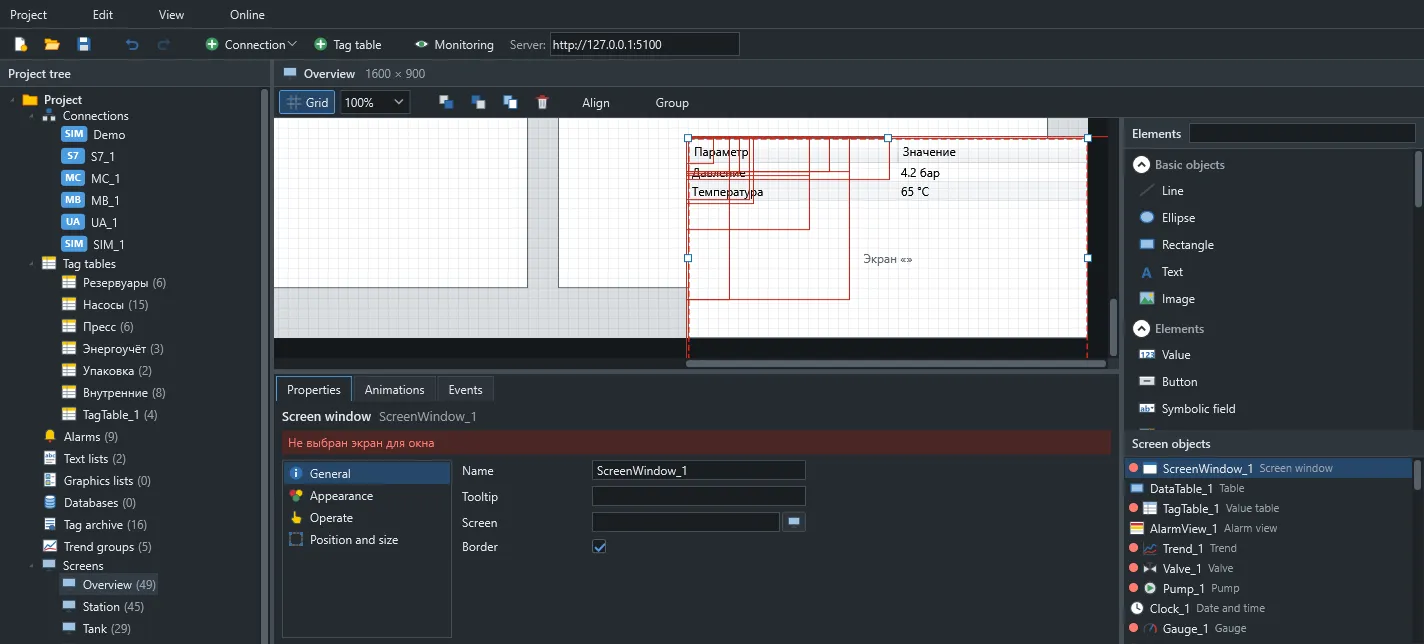
Elements
Section titled “Elements”| Group | Elements |
|---|---|
| Basic objects | Line, ellipse, rectangle, text, image |
| Values | Value, symbolic field, graphic field, bar, lamp, gauge, clock |
| Controls | Button, slider, switch |
| Equipment | Pump, valve, library symbol, genie |
| Data | Trend, alarm view, value table, data table |
| Layout | Group, screen window |
Text elements and widgets support font, border, gradient, shadow and blinking.
Symbol library
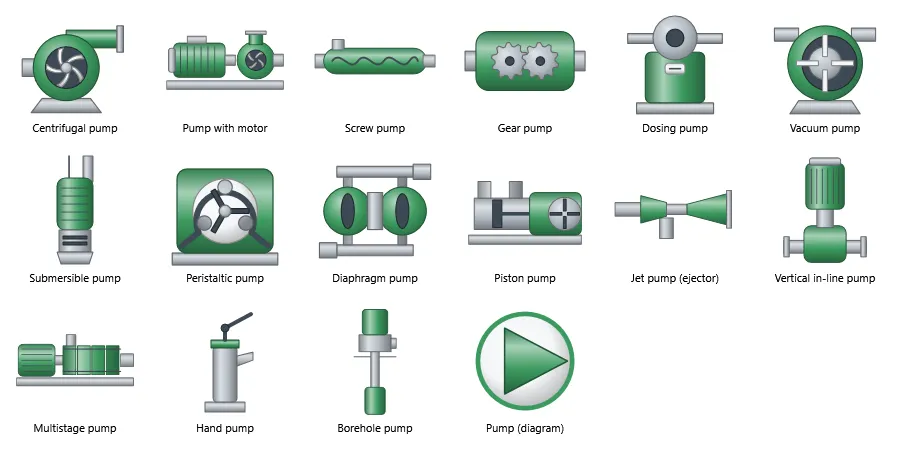
Section titled “Symbol library”312 industrial symbols in 19 categories, searchable from the palette.
Value tables and data tables
Section titled “Value tables and data tables”A value table shows tags with configurable rows and columns. A data table is filled by hand, from an SQL query or from a server script function.
Text lists and graphic lists
Section titled “Text lists and graphic lists”A text list turns a number into a label: 0 is Stopped, 1 is Running. A graphic list does the same with images.
Project check
Section titled “Project check”The panel at the bottom of the editor lists errors and warnings. Double-click one to jump to it.