
Web HMI and mobile
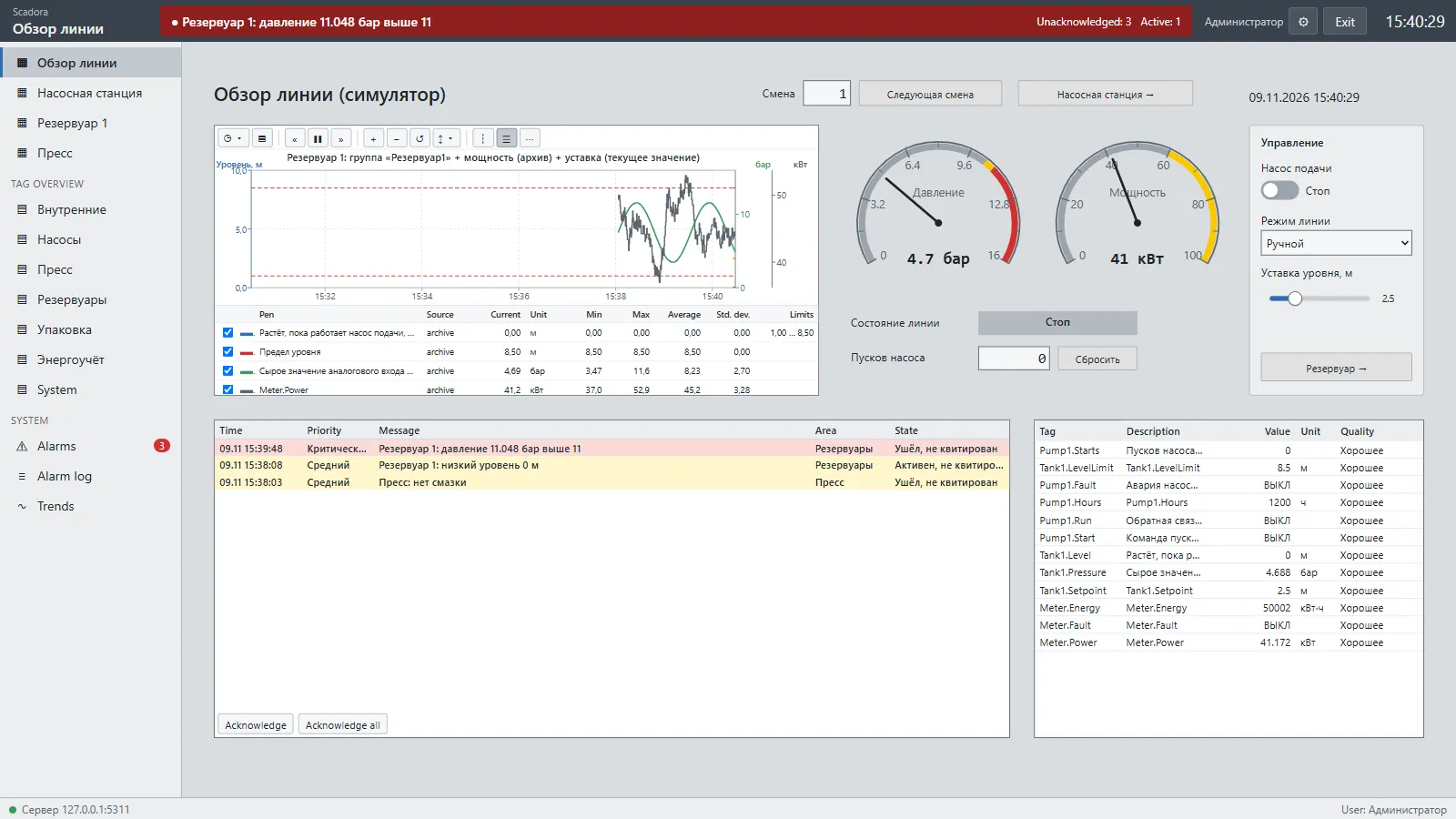
The web HMI opens in a browser at http://server:5101. Nothing is installed on the client, and the screens are the same as in the desktop program.
What is available
Section titled “What is available”- Screens and pop-ups, scripts and system functions.
- Active alarms, the journal and acknowledgement.
- Trends and tag overview.
- Sign-in with your role; the browser remembers the last user.
- Eight interface languages.
Mobile view
Section titled “Mobile view”Phones get a tab bar: alarms, values, screens, trends and more. Screens can be zoomed. You can also switch views in the settings menu.
Alarm sound
Section titled “Alarm sound”Browsers block sound until the user interacts with the page. If sound is not allowed yet, a 🔇 icon appears in the header: press it or anywhere on the page.
Security
Section titled “Security”The connection is plain HTTP without encryption. Open the web HMI only inside a protected network and never expose port 5101 to the internet.
Scada:Security:AllowAnonymousView allows viewing without sign-in for wallboard screens. Control and acknowledgement are never possible without signing in.