Features
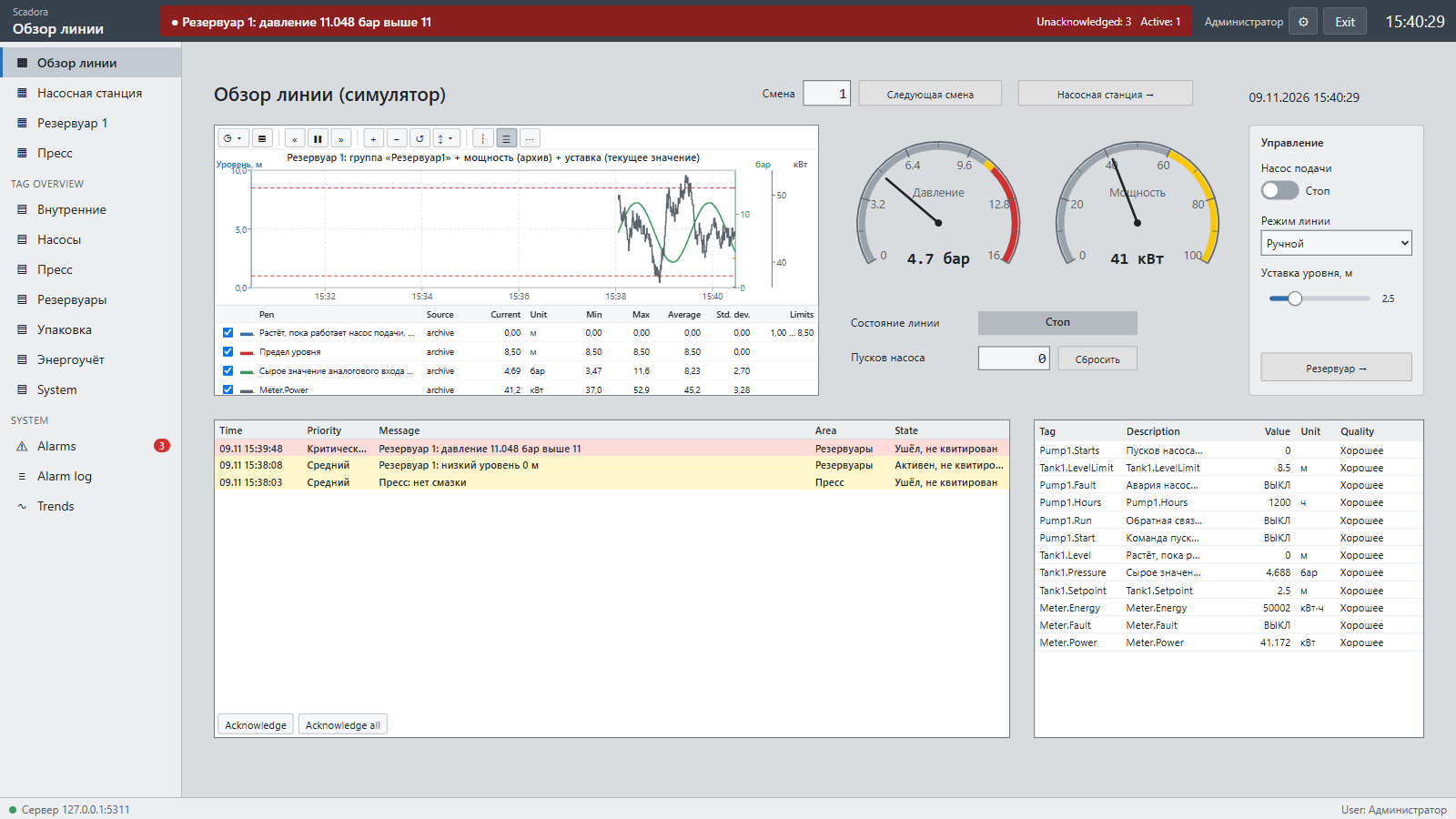
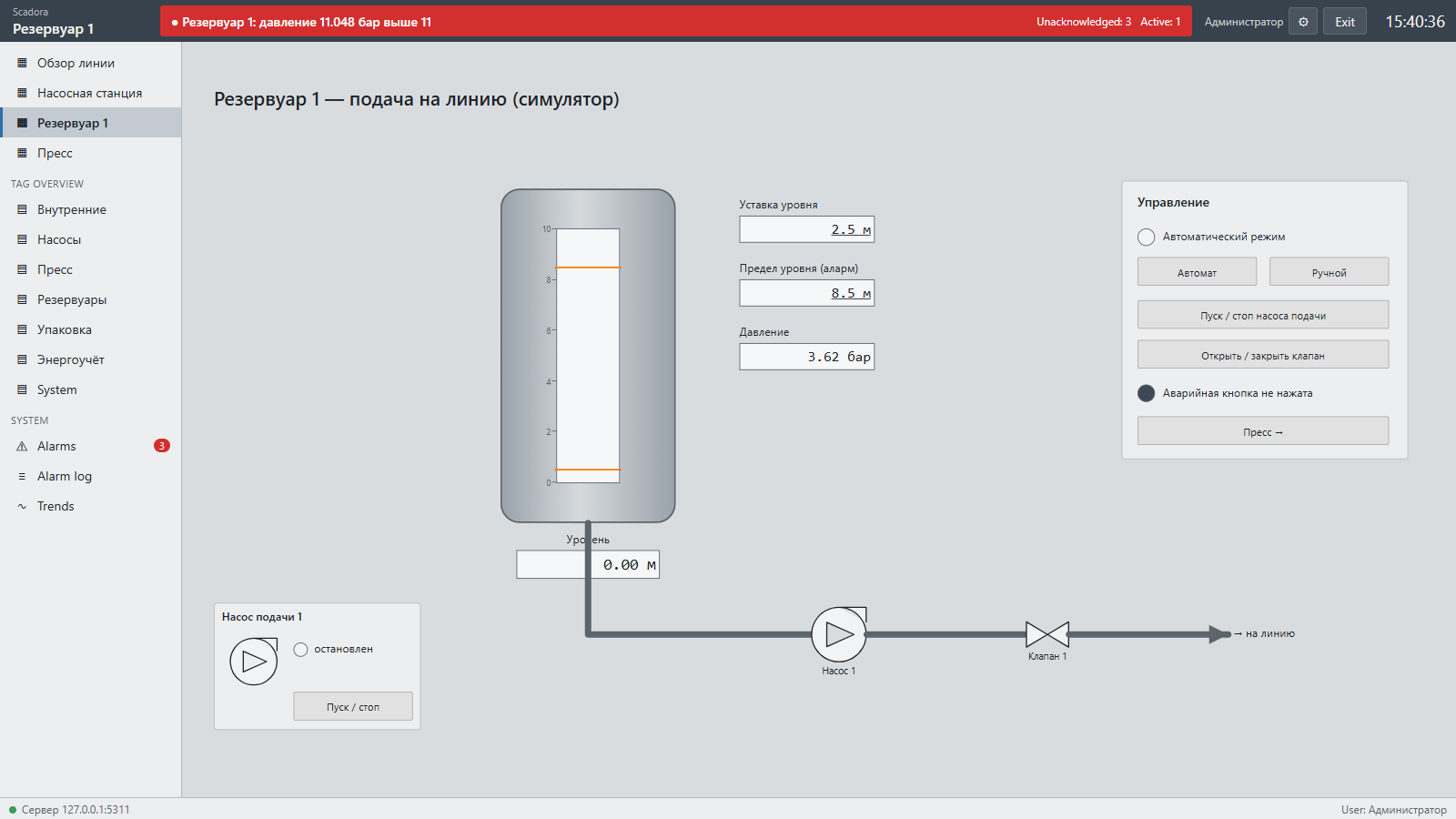
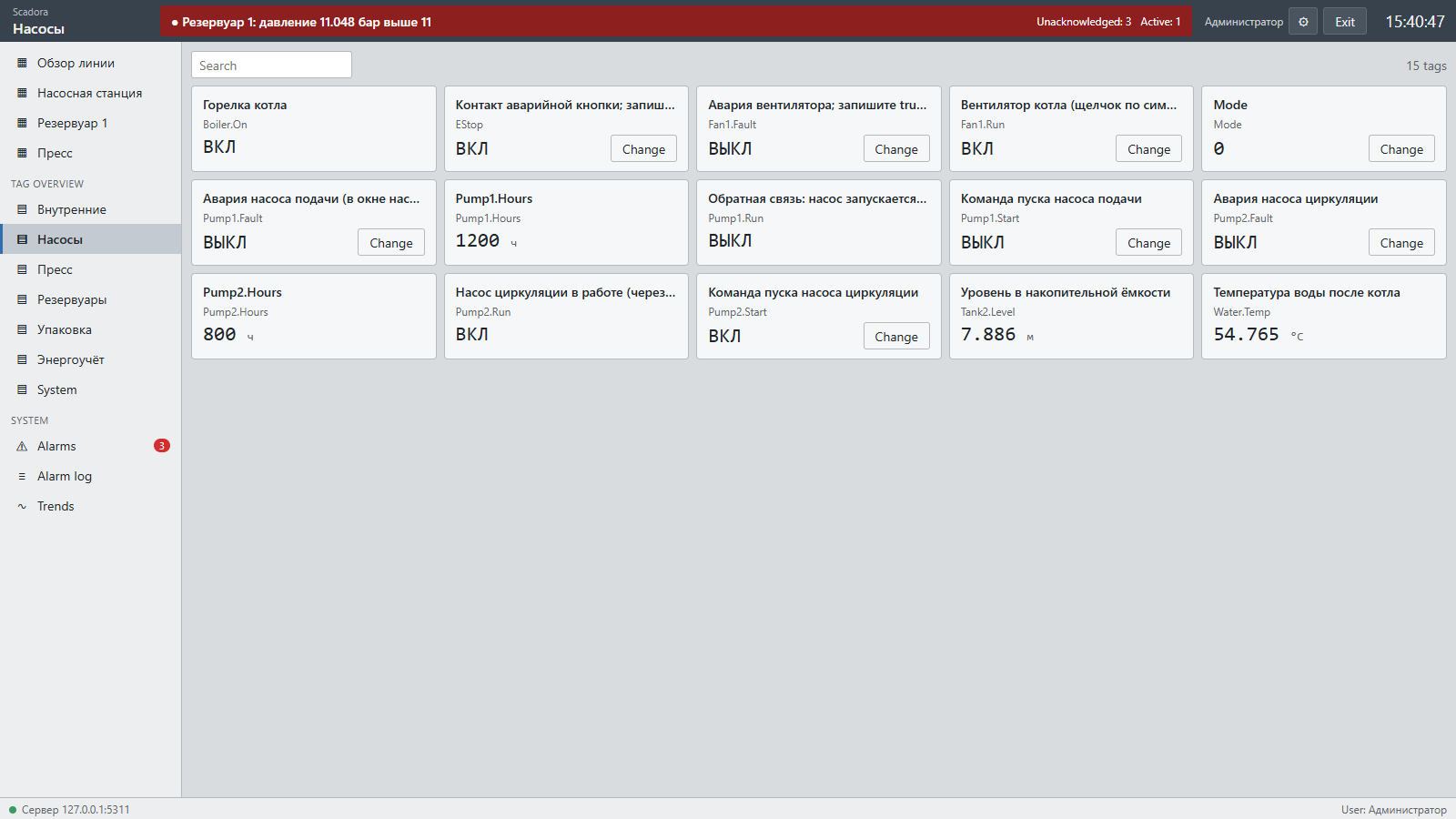
Every screenshot comes from the real program running the demo project. On-screen text inside a project is written by its engineer, so it can differ from the interface language.
Screen editor
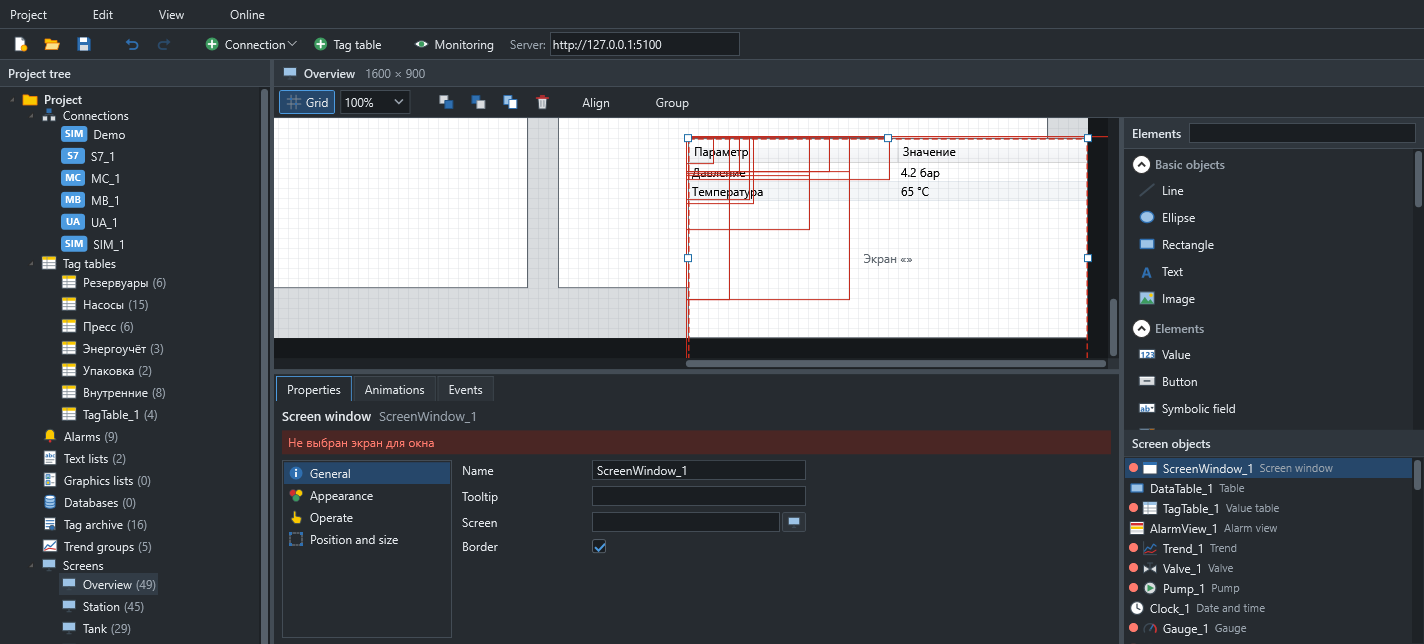
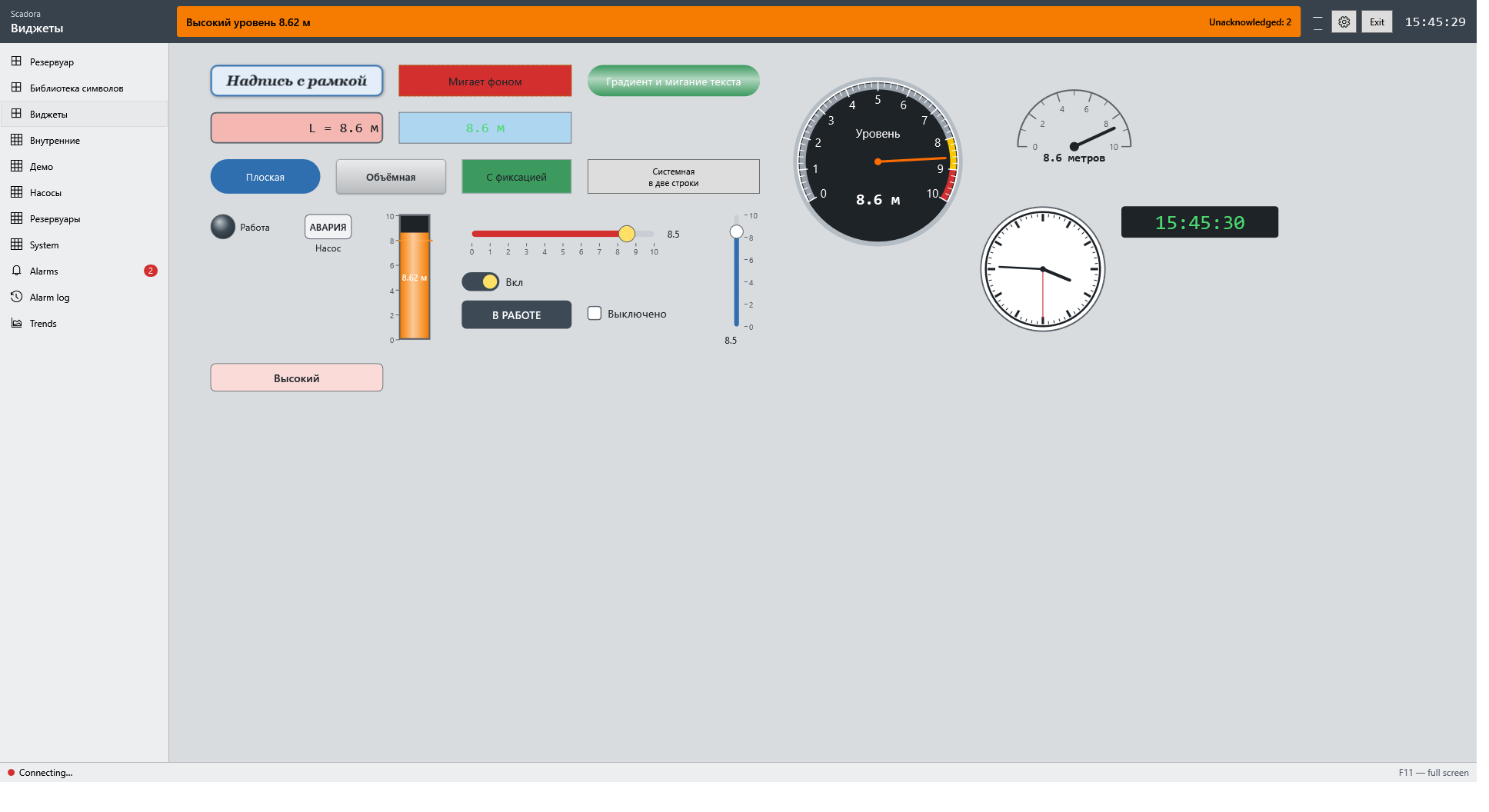
Build process screens by drag and drop. Every element is set up in the inspector: properties, animations and events.
- Lines, shapes, text, images
- Value, button, symbolic field, graphic field
- Slider, switch, gauge, clock, bar, lamp
- Trend, alarm view, value table, data table
- Screen window and groups
- Font, border, gradient, shadow and blinking
Symbol library
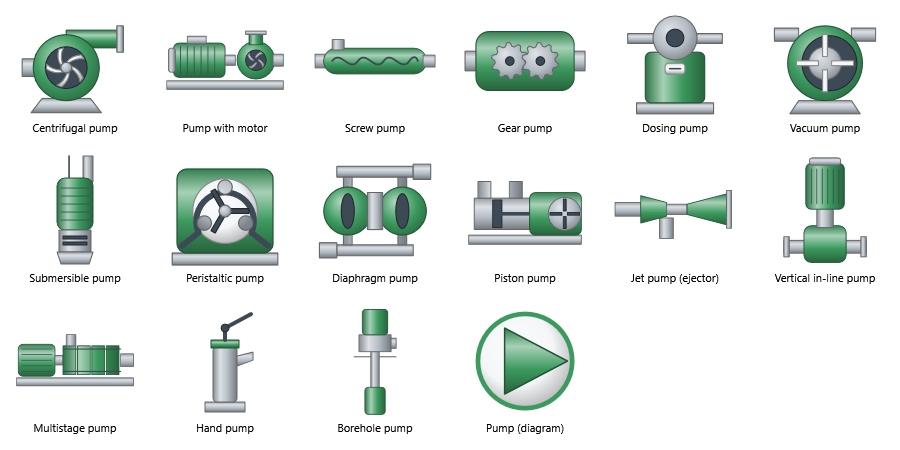
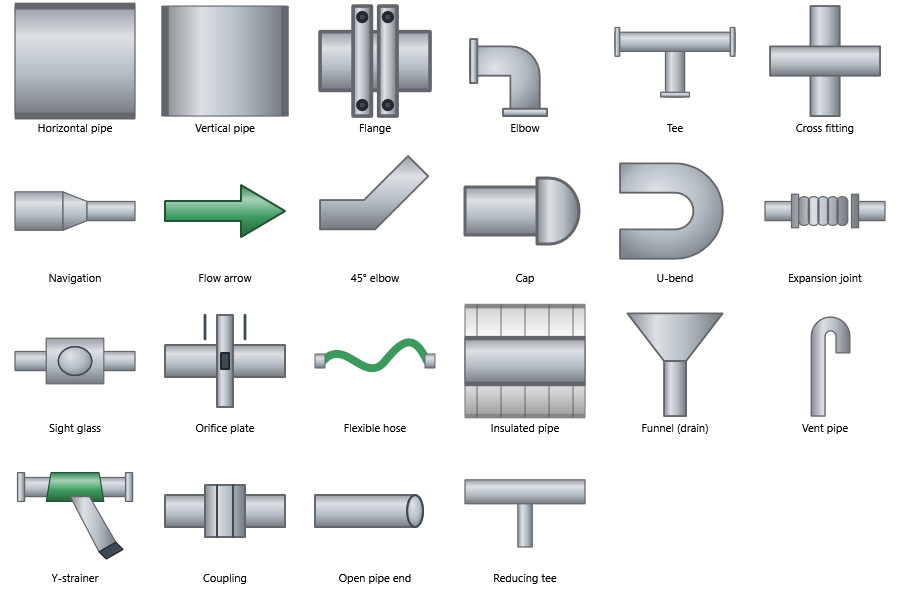
312 industrial symbols in 19 searchable categories: pumps, valves, vessels, motors, boilers and fans.
- Scale without losing quality
- Colour and state follow a tag
- Graphic lists for your own images by value
Animations
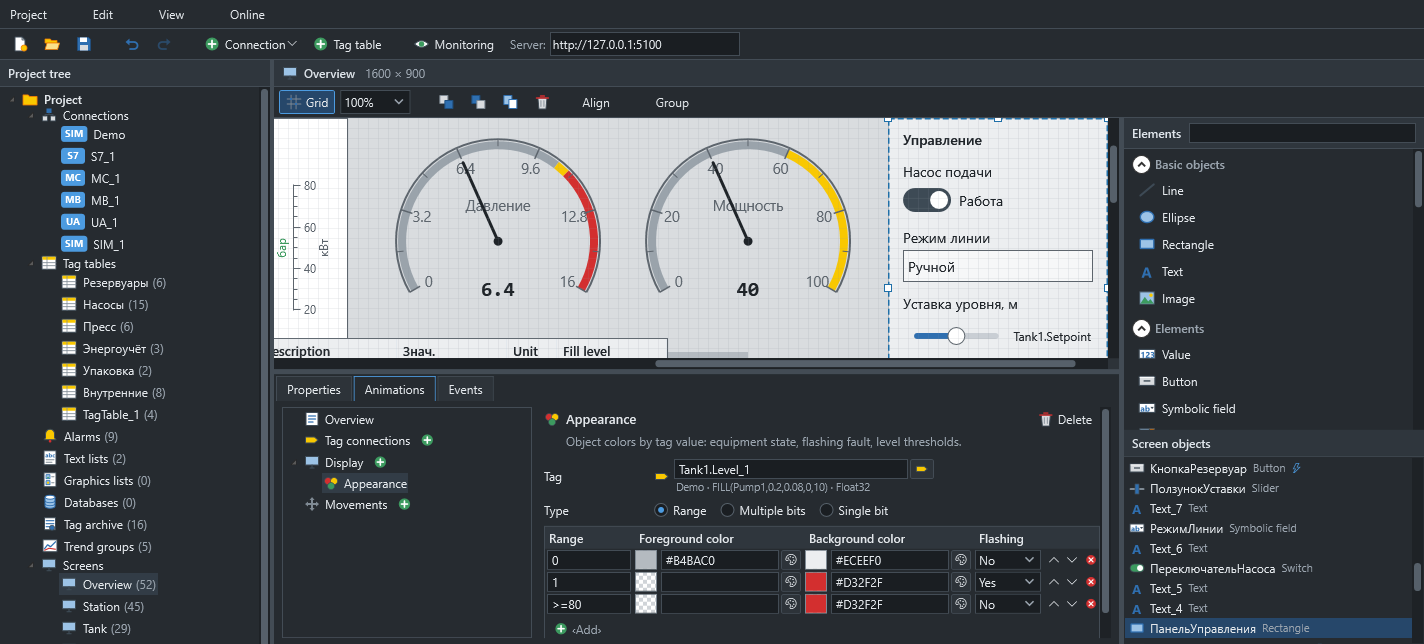
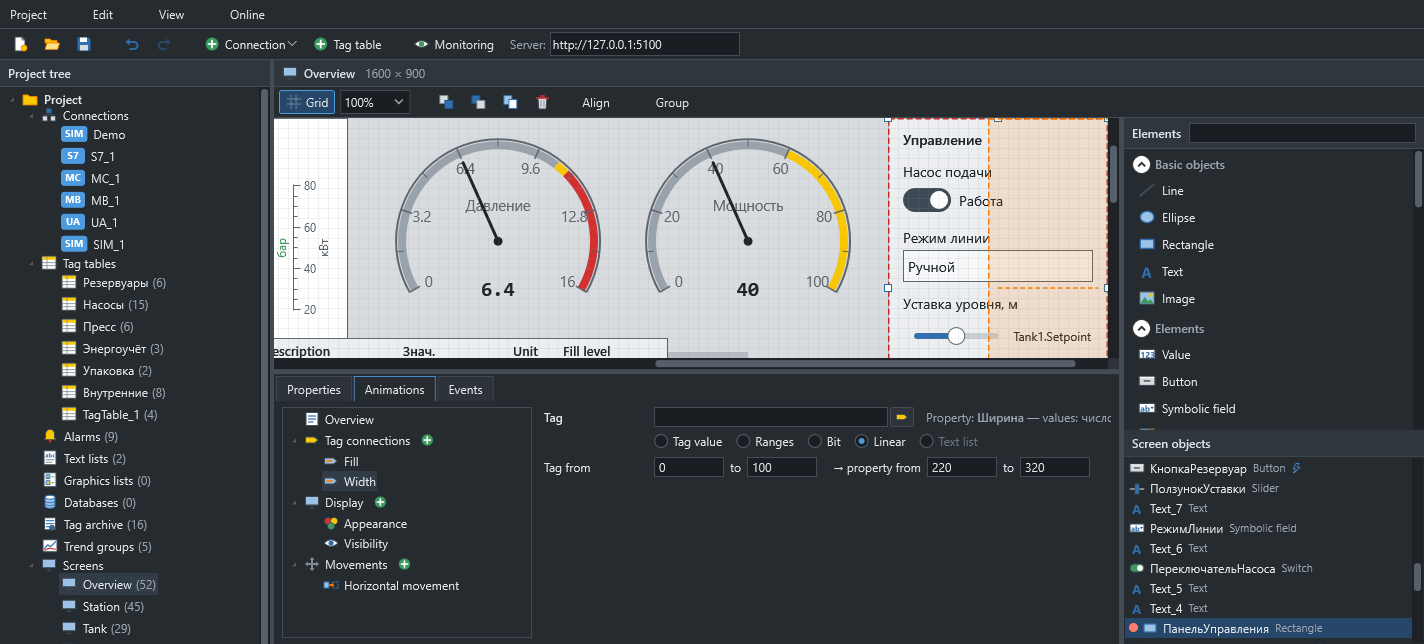
No code needed: colours by value, visibility, enabling and movement.
- Appearance: range, single bit, multiple bits
- Blinking and separate fill and outline colours
- Conditional visibility and enabling
- Direct and range-based movement
Events and system functions
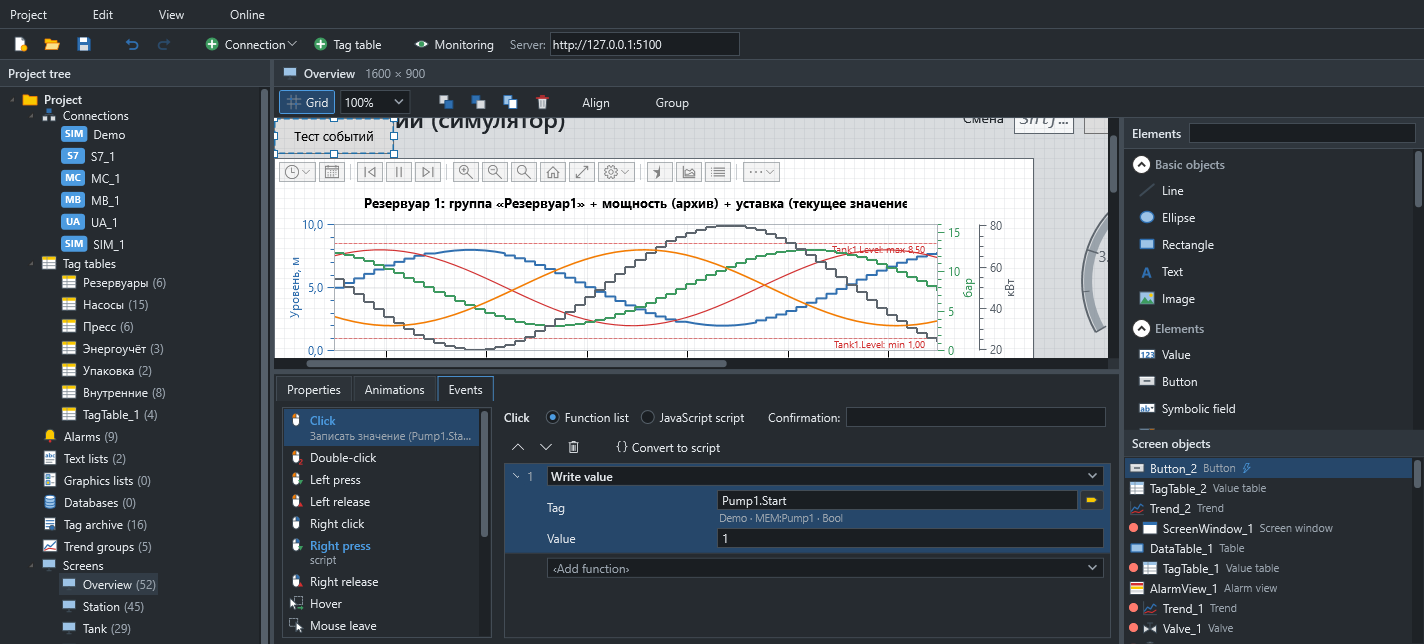
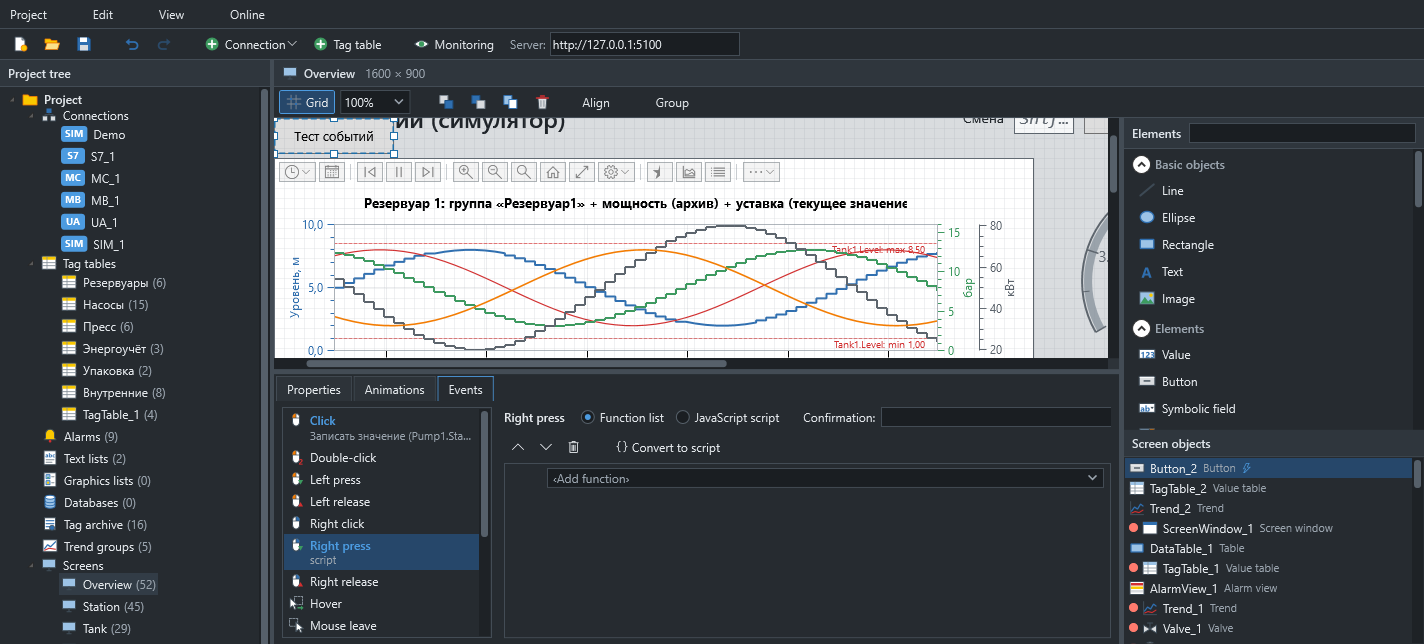
14 element events, 3 screen events and 38 system functions. Functions form a list, and when that is not enough you can add a script alongside.
- Clicks, presses, keyboard, focus, value input
- Screens, pop-ups, bits, values
- Scaling, acknowledgement, users, printing
Genies
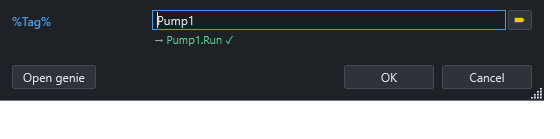
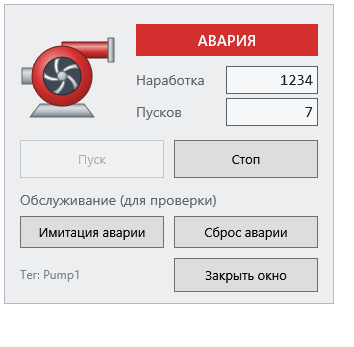
One equipment drawing for every instance: %Tag% parameters are substituted on placement and in control pop-ups.
- Parameters are detected automatically
- Substitute a prefix or a full tag name
- Control pop-up windows
Tags
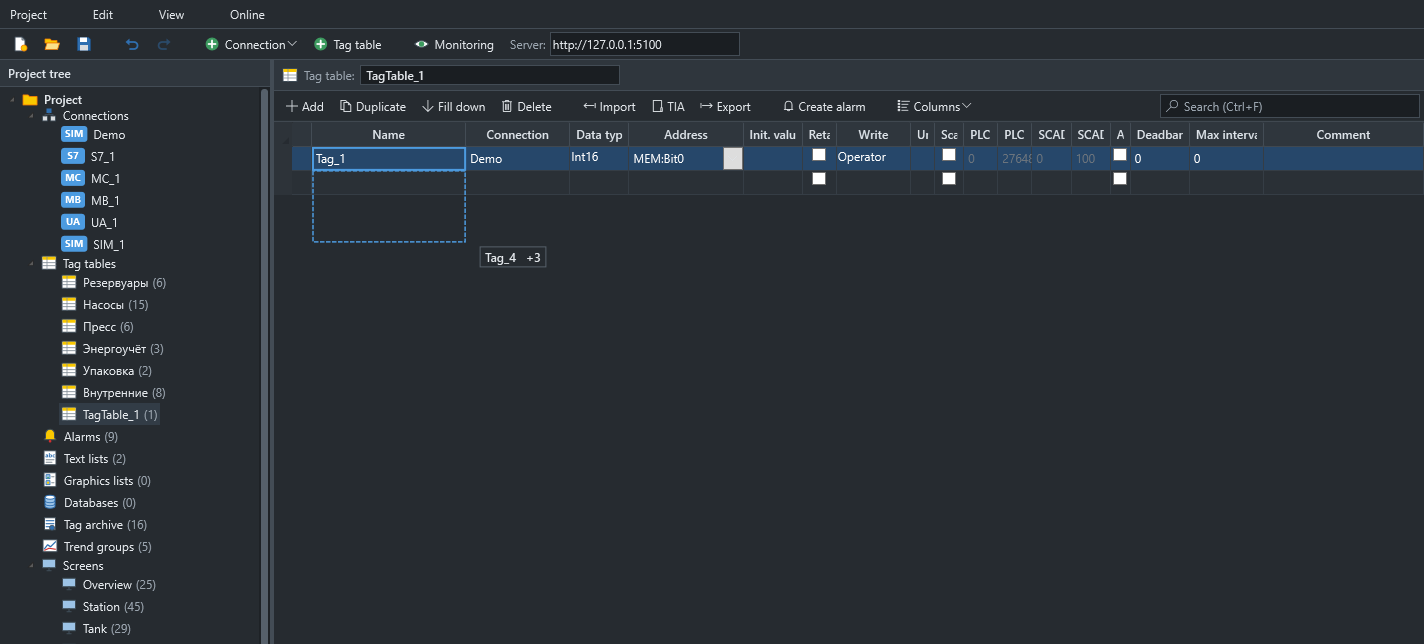
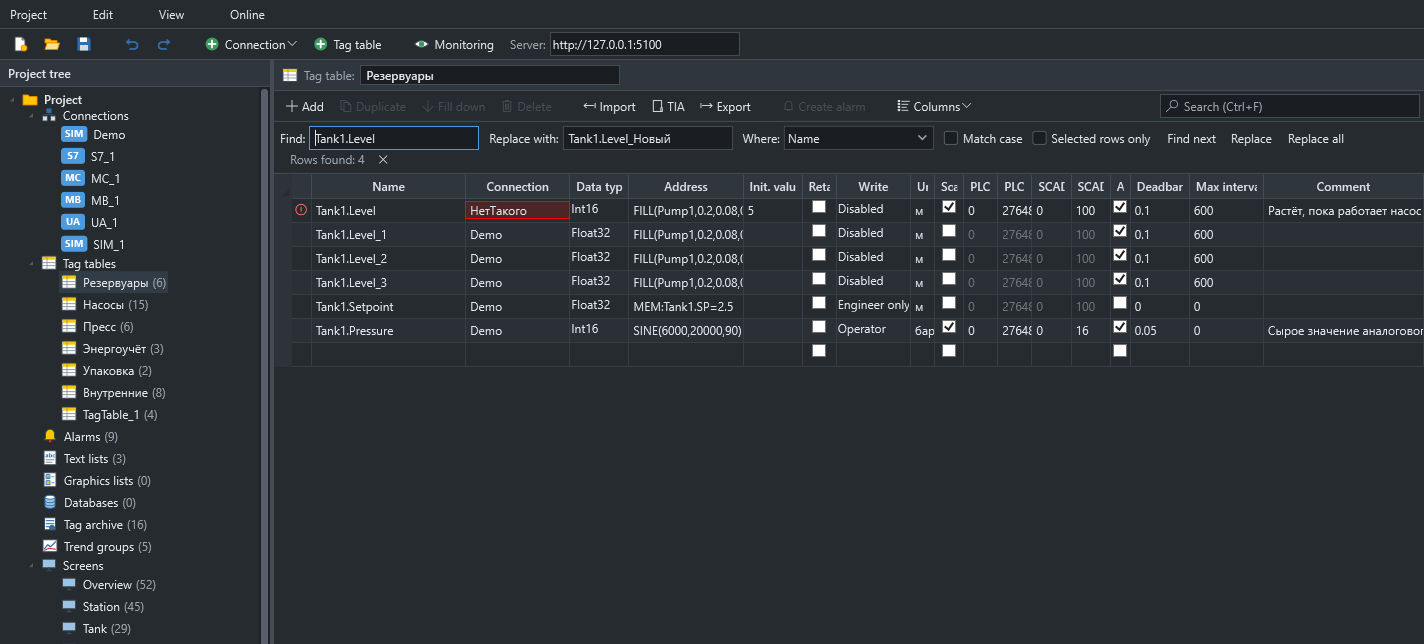
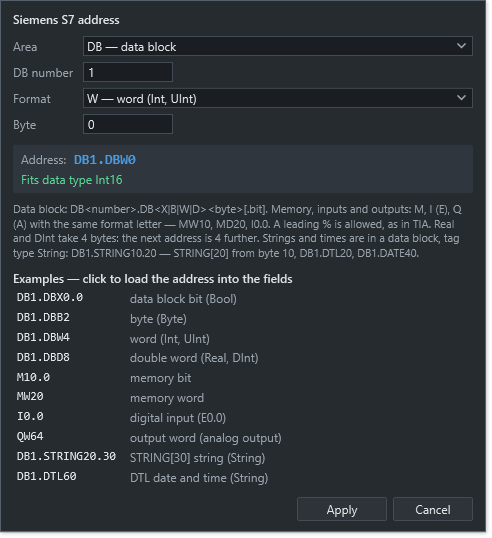
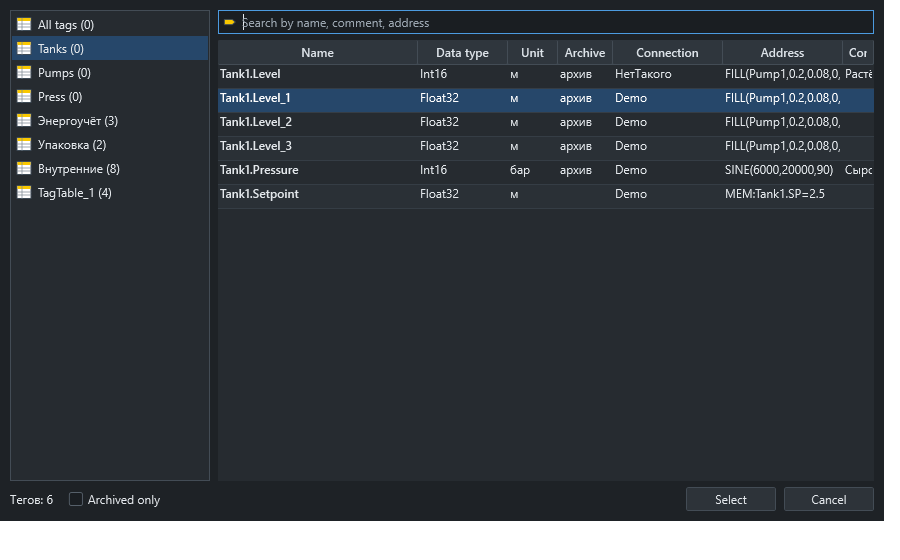
Familiar tag tables: one-click lists, fill by dragging, an address panel and find and replace.
- Bool, integers, Float32/64, String
- Scaling and engineering units
- Write access: operator, engineer, nobody
- Ctrl+H across names, addresses and comments
- Renaming moves every reference
- Live values right in the table
Scripts and server tasks
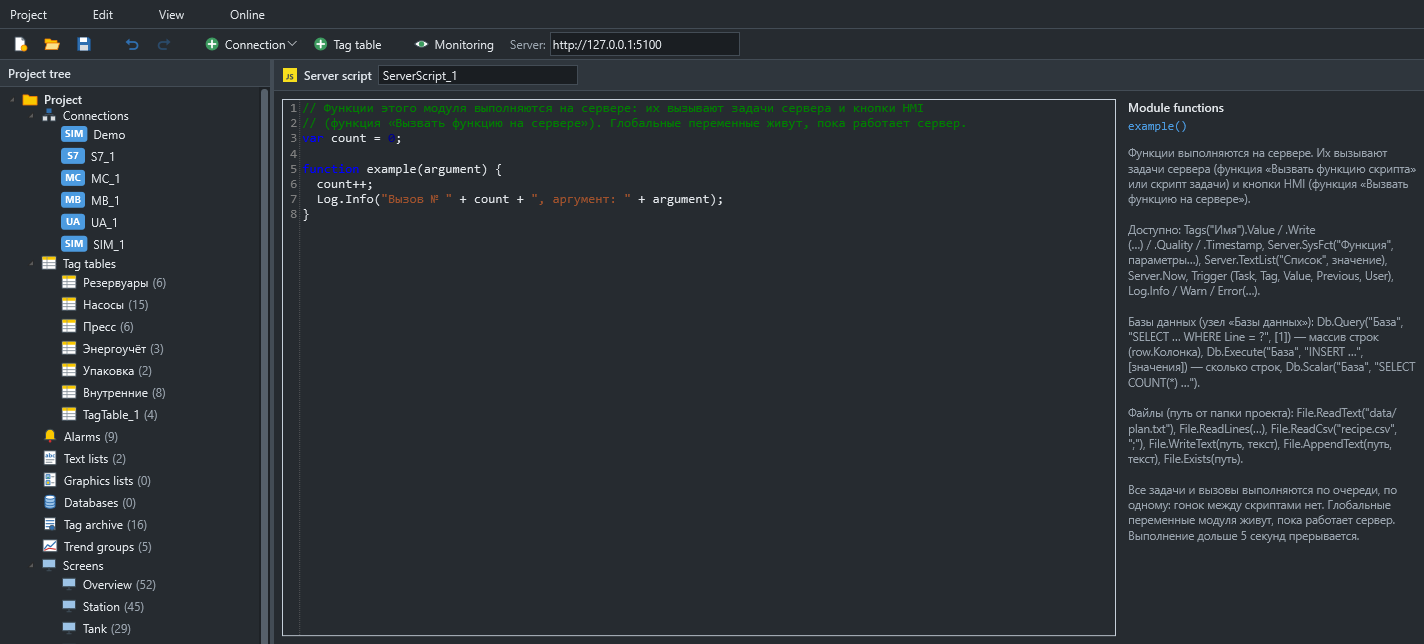
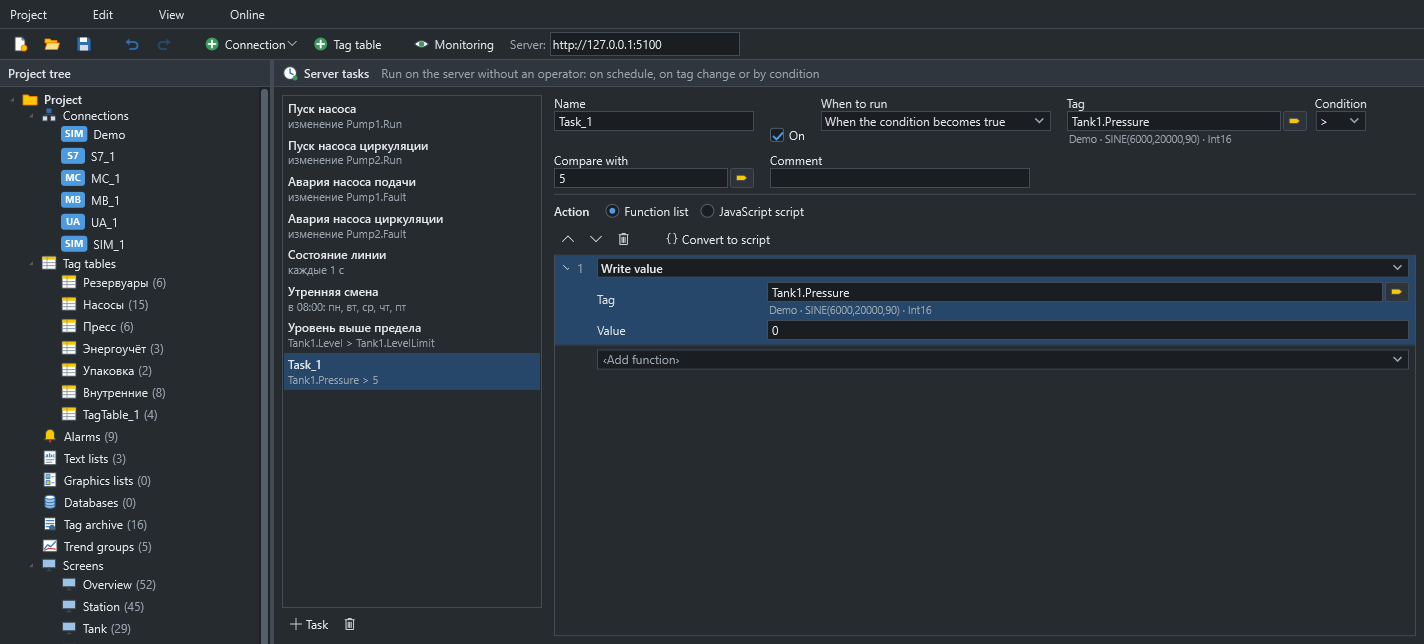
JavaScript on screens and on the server. Server scripts run one at a time, like a PLC scan.
- Tasks: startup, interval, schedule, tag change, condition
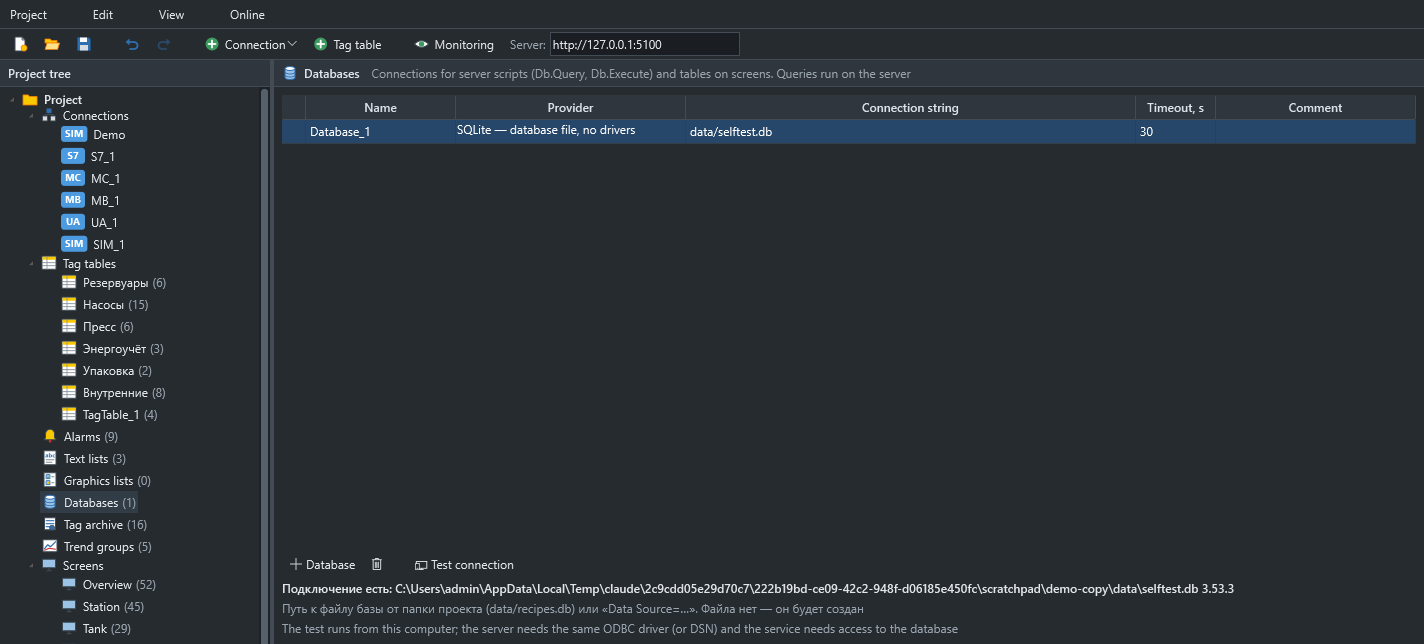
- Databases over ODBC and SQLite
- File and CSV reading and writing
- On-screen tables from SQL or a function
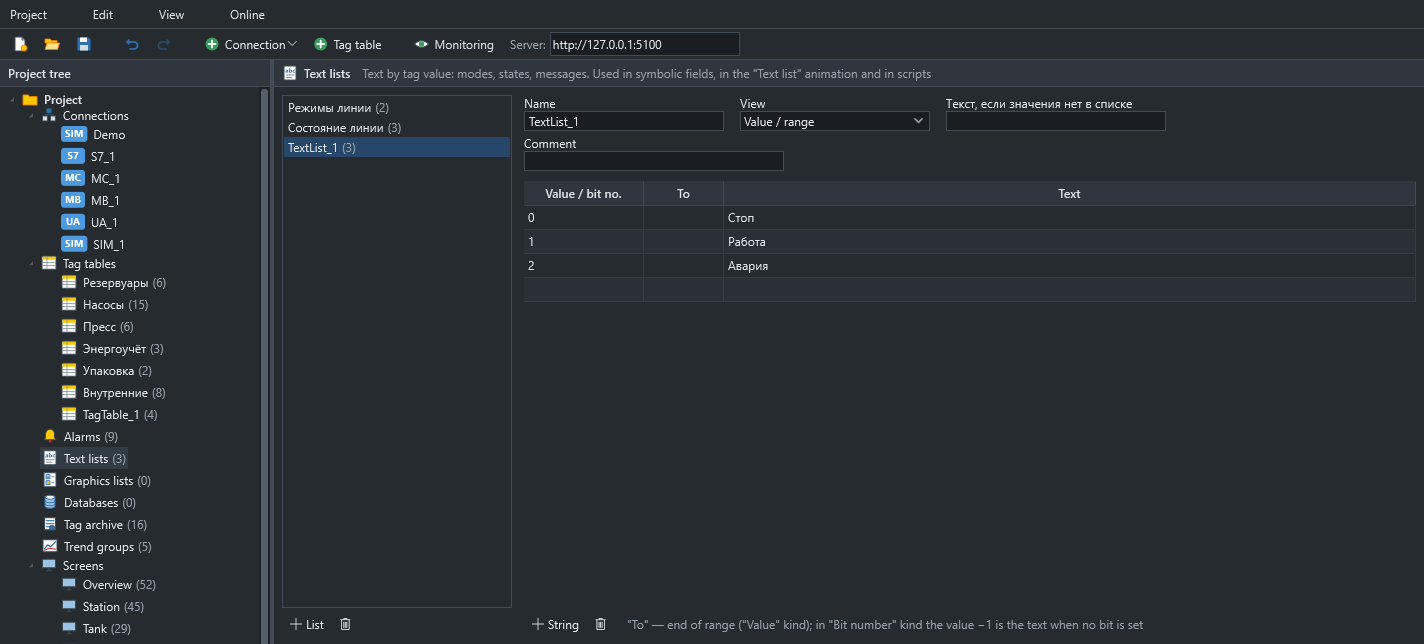
- Text lists
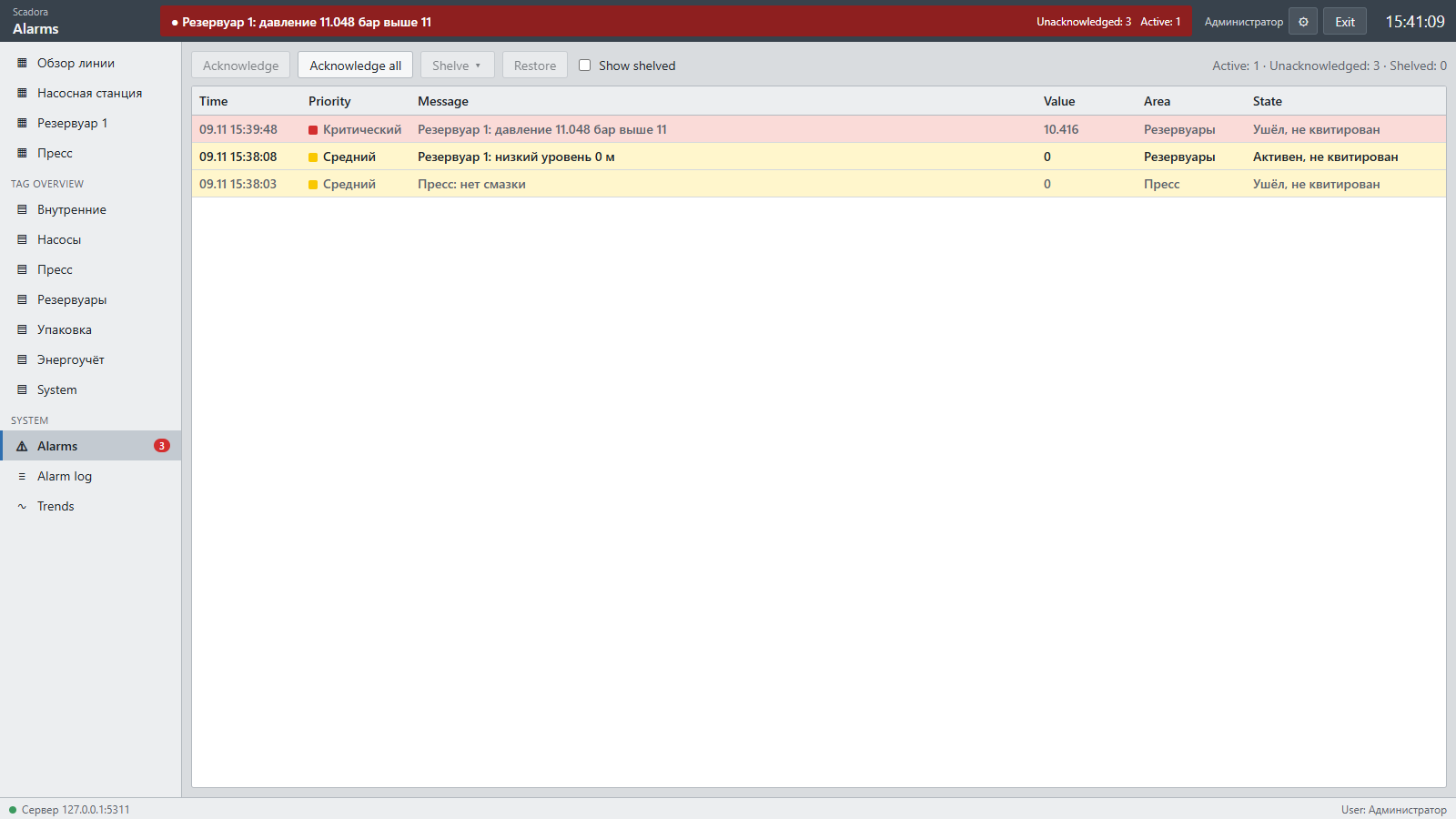
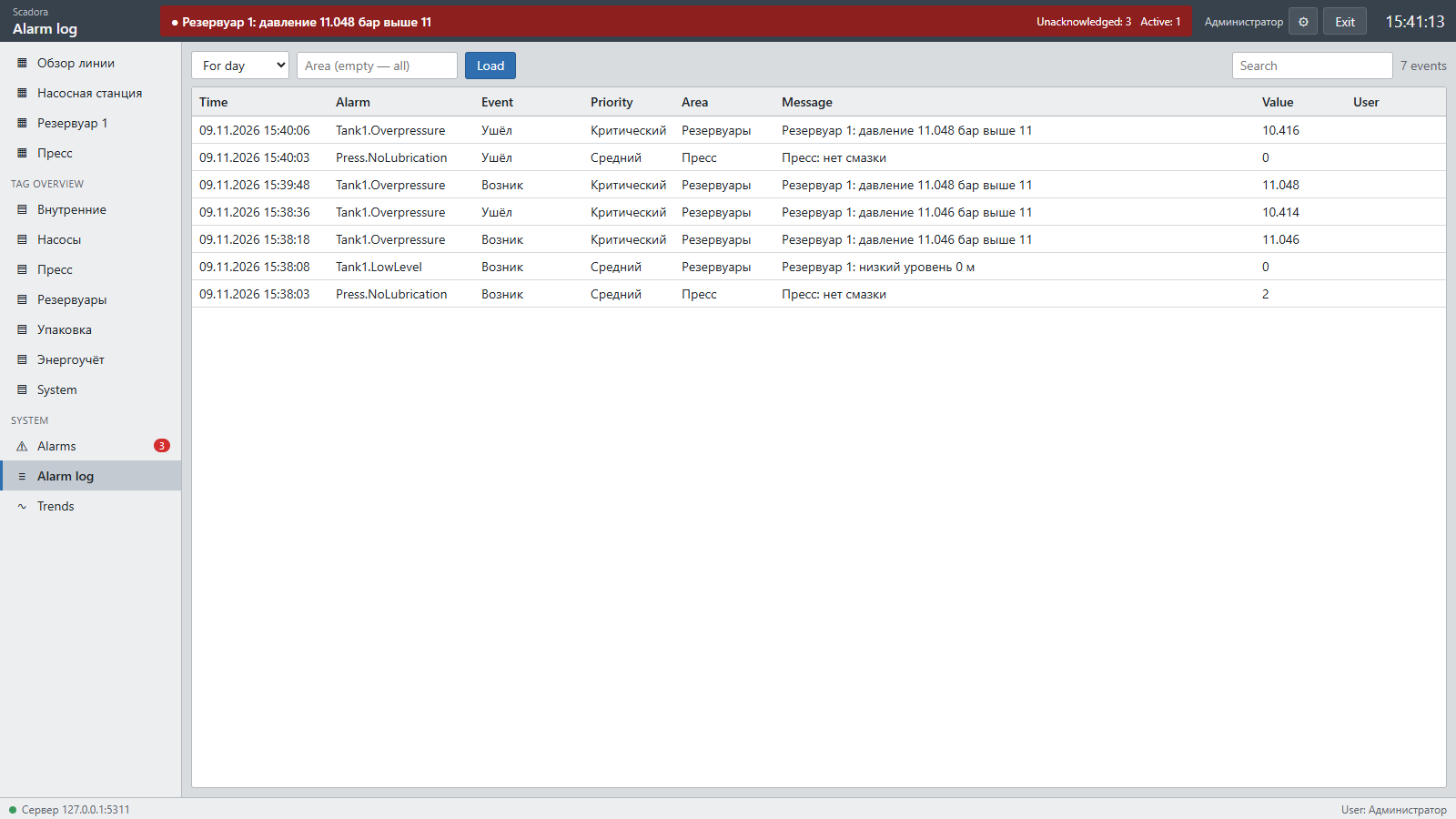
Alarms and journal
Digital and analog alarms with a full lifecycle: raised, acknowledged, cleared, shelved.
- Conditions: on, off, above, below, equal, not equal
- Limit as a number or a tag
- Deadband, on and off delays
- Four priorities and plant areas
- Shelving as a separate permission
History and trends
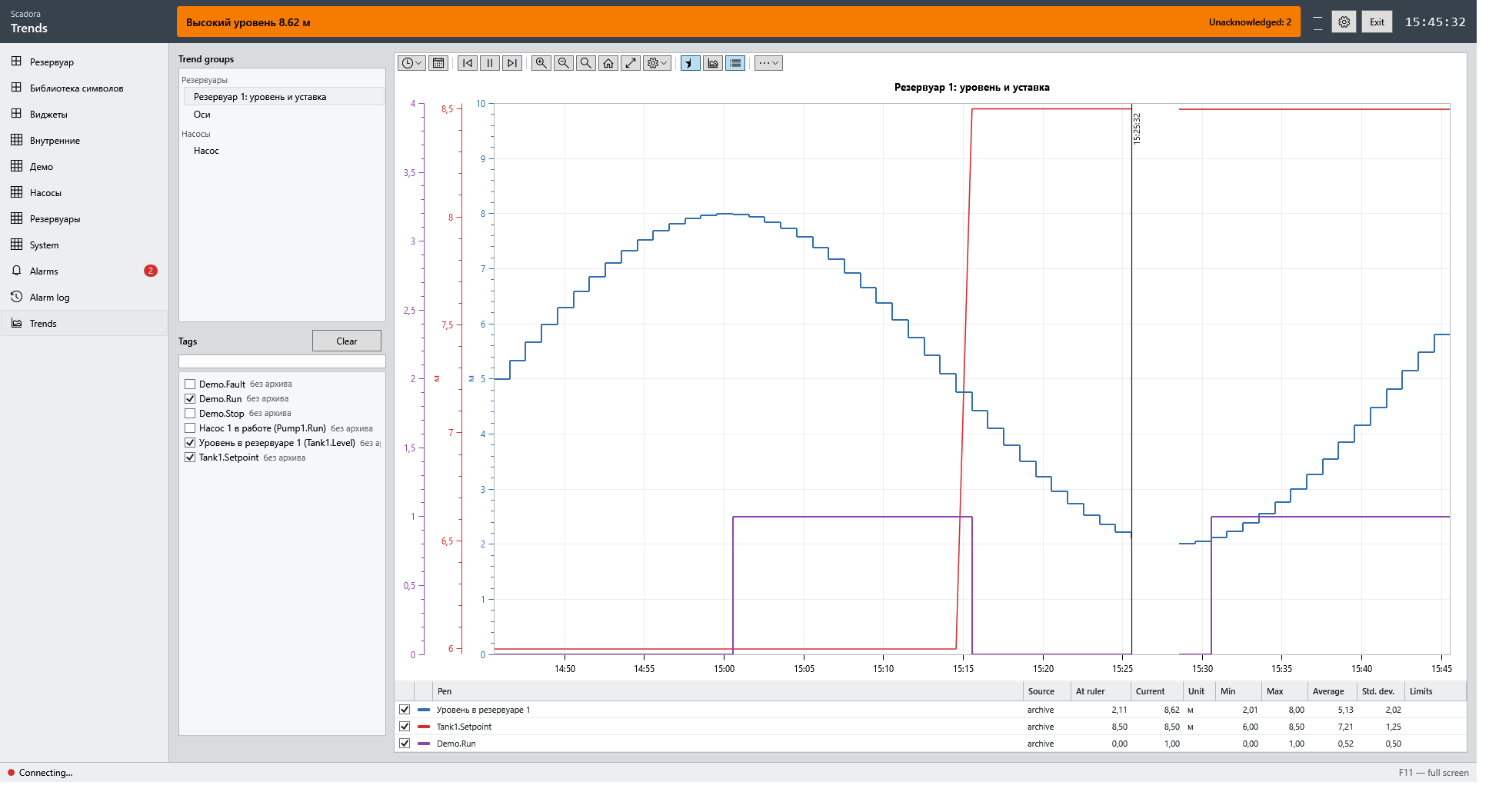
A segmented SQLite historian with configurable retention.
- Deadband and maximum interval
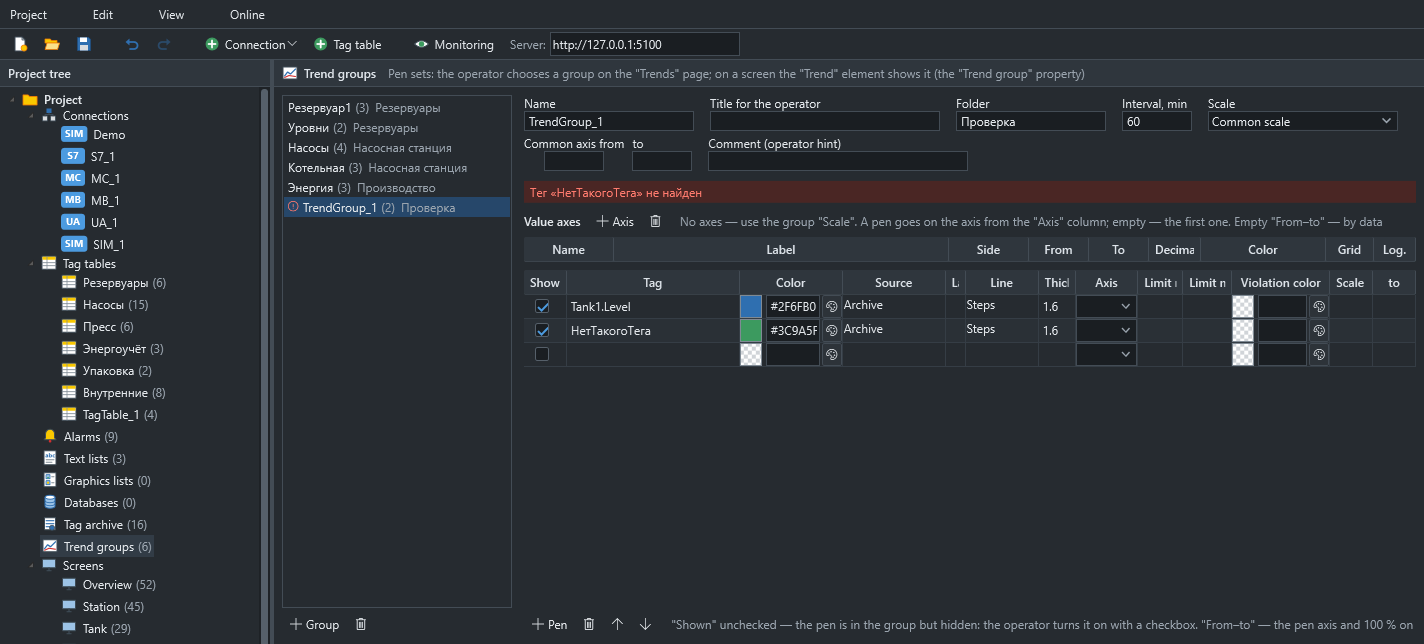
- Project trend groups
- Multiple axes and pen limits
- Pen table with statistics
Web HMI and mobile
The operator station in a browser on port 5101, with the same screens as the desktop program.
- Control and acknowledgement respect roles
- Mobile view with a tab bar
- Alarm sound
- Remembers the last user
Runtime and service
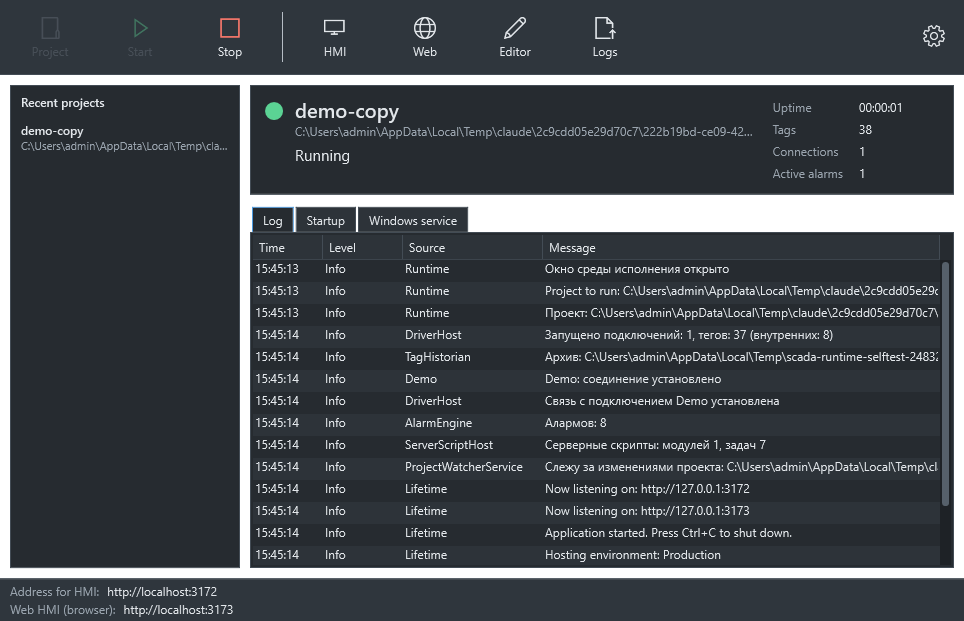
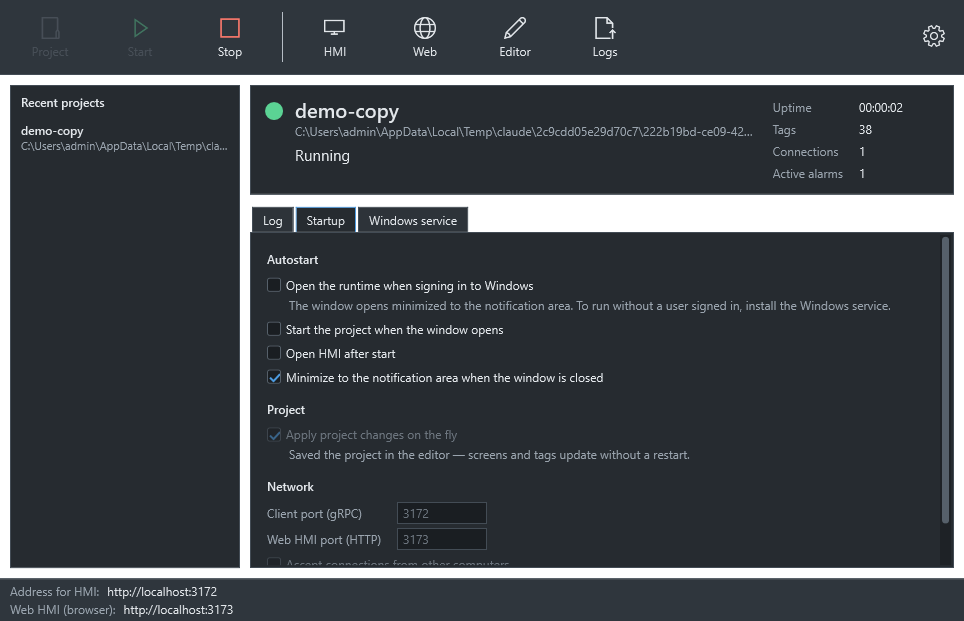
Run a project from one window. On an unattended server, use the Windows service.
- Project edits apply without a restart
- Autostart and tray mode
- Service with restart on failure
- Daily log files