
What is Scadora
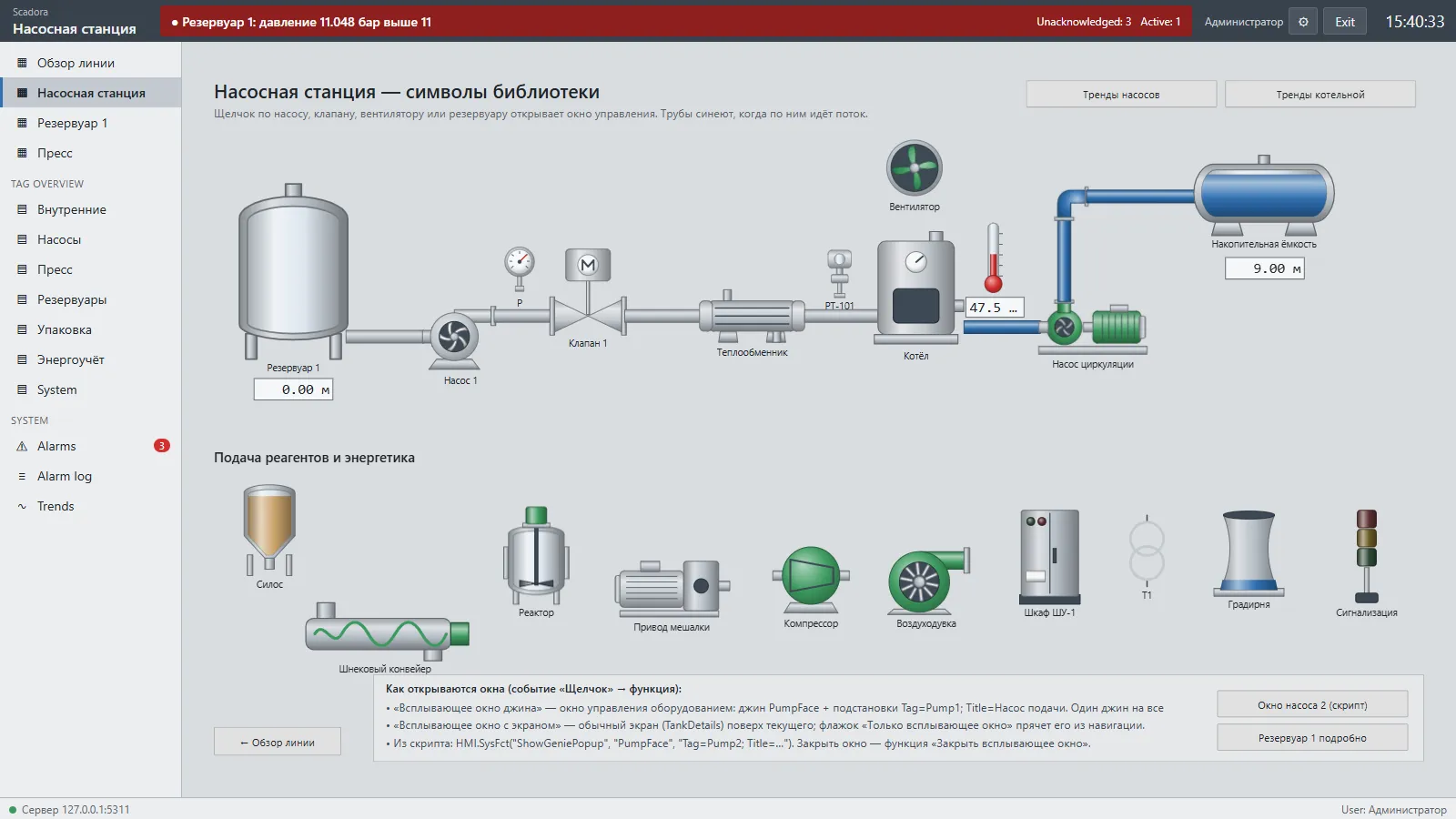
Scadora is a SCADA system for Windows. Engineers draw process screens and define tags, the server polls PLCs, and operators work with the screens in a desktop program or a browser.
What it consists of
Section titled “What it consists of”| Program | Purpose |
|---|---|
ScadaEngineering.exe |
Project editor: screens, tags, connections, alarms, trends, scripts |
ScadaRuntime.exe |
Runtime with a window: project selection, start and stop, log, autostart, service |
ScadaHmi.exe |
Operator station, connects to the server over the network |
| Web HMI | The same operator station in a browser: http://server:5101 |
ScadaServer.exe |
Windowless server for the Windows service |
ScadaTiaBridge.exe |
Editor helper for TIA Portal import |
How it works
Section titled “How it works”The server loads a project, polls PLCs through drivers, keeps history and alarms, and runs server scripts. Clients connect to the server: desktop programs on port 5100 (gRPC) and browsers on port 5101 (gRPC-Web). The server applies project edits while running.
Core concepts
Section titled “Core concepts”- Connection: a link to a PLC or the simulator.
- Tag: a named value, either a PLC address or an internal variable.
- Screen: a process display built from elements.
- Genie: a reusable equipment drawing with
%Name%parameters. - System function: a ready-made action on an event, such as opening a screen, writing a value or acknowledging an alarm.
- Role: a set of user permissions.